Links
Secure Email
fatcow review
Screenshots   

Be pleasant to have seen it first.


Menu >>  [ Home ]  [ Order ]  [ Screenshots ]  [ What's New ]  [ Operation Flowchart ]  [ Documentation ]
Please click the thumbnail to see the full screenshot.
You can click here to download the package of compressed screenshots.
Title Introduction Thumbnail
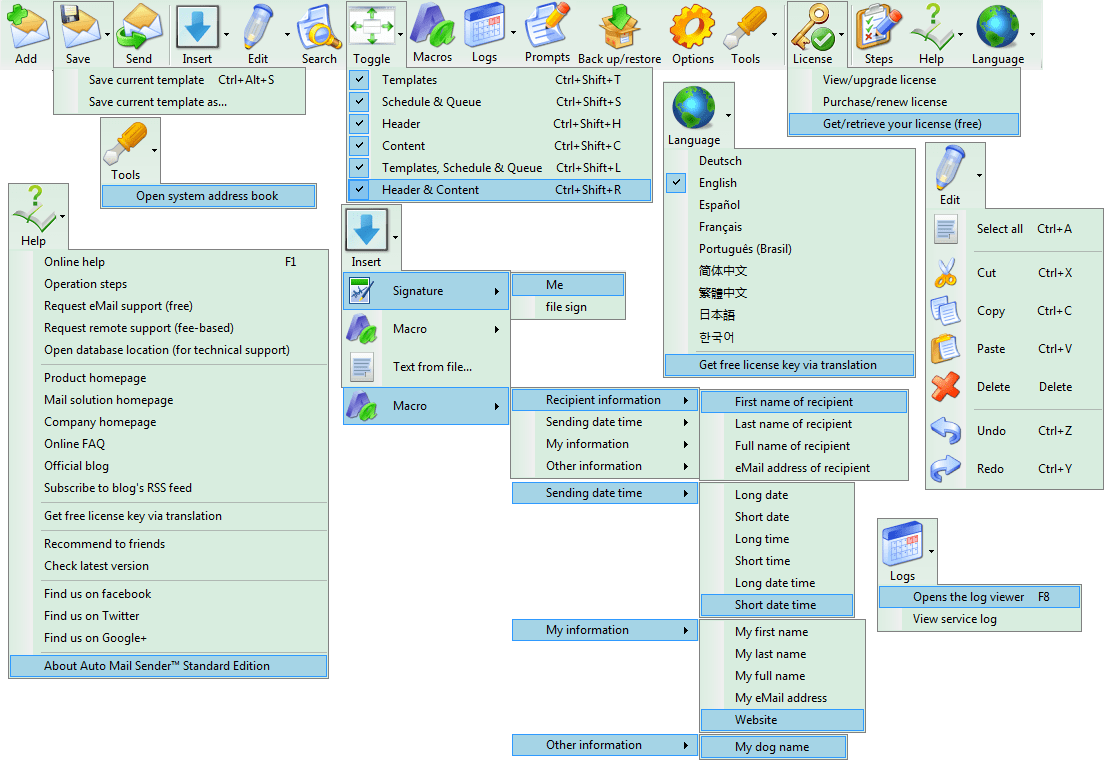
Menus of the Main Interface Lists all menu items on the main interface. Menus
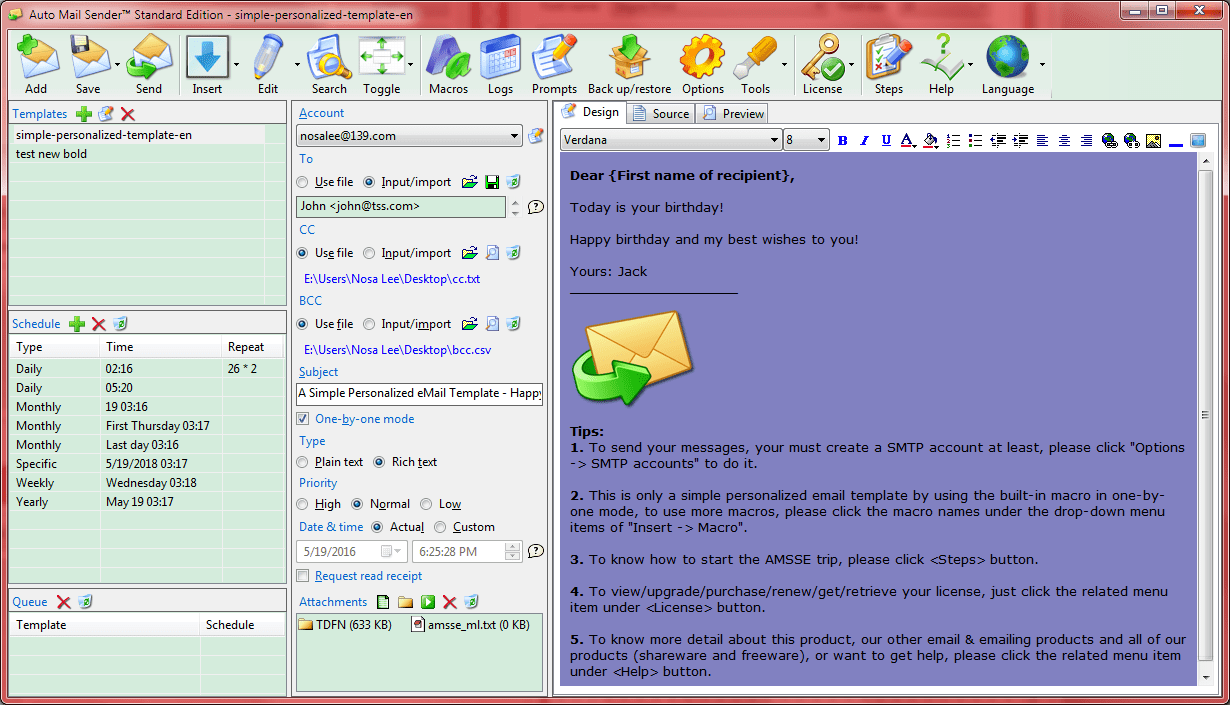
Main Write, save, edit and send email, it is your main work interface, all the interfaces and functions are called from here. Main
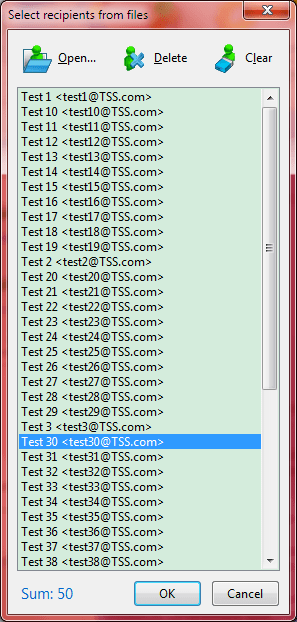
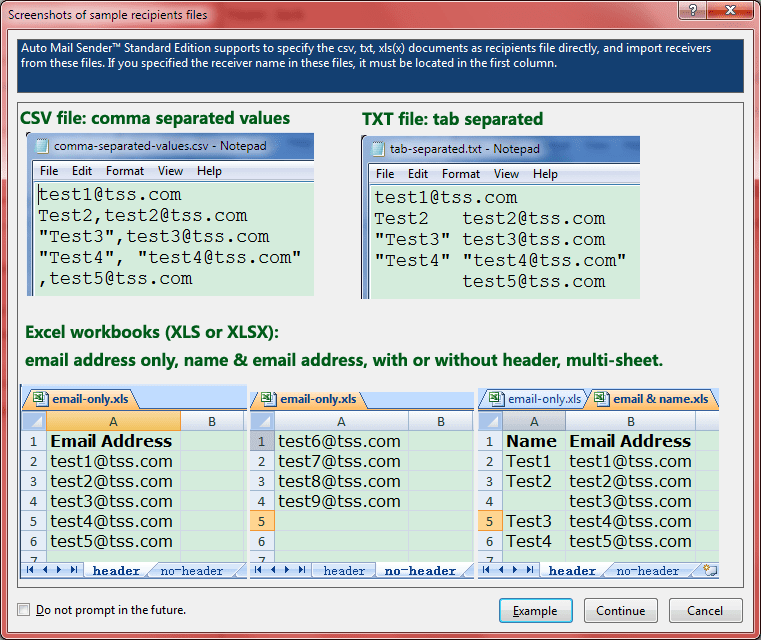
Select Recipients from Files Selects recipients from files, supports the text files (.txt, tab separated), Excel files (.xls/.xlsx, supports multi-sheet, selecting sheet(s) and previewing workbook), the comma separated values files(.csv) and all other format text files. Select Recipients from Files
Select Sheet(s) When you select recipients from Excel document (.xls/.xlsx), you can select sheet(s) of workbook to import the recipients by using this module, and it provides the workbook preview function for reference also. Select Sheet(s)
Save Recipients Saves current recipients to txt/csv/xls/xlsx file. Save Recipients
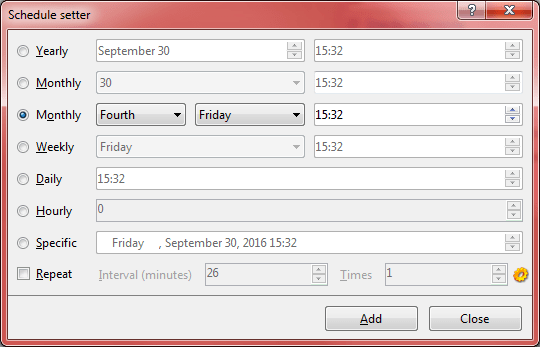
Sending Schedule Manages all your sending schedules. All the automatic sendings are set here. Sending Schedule
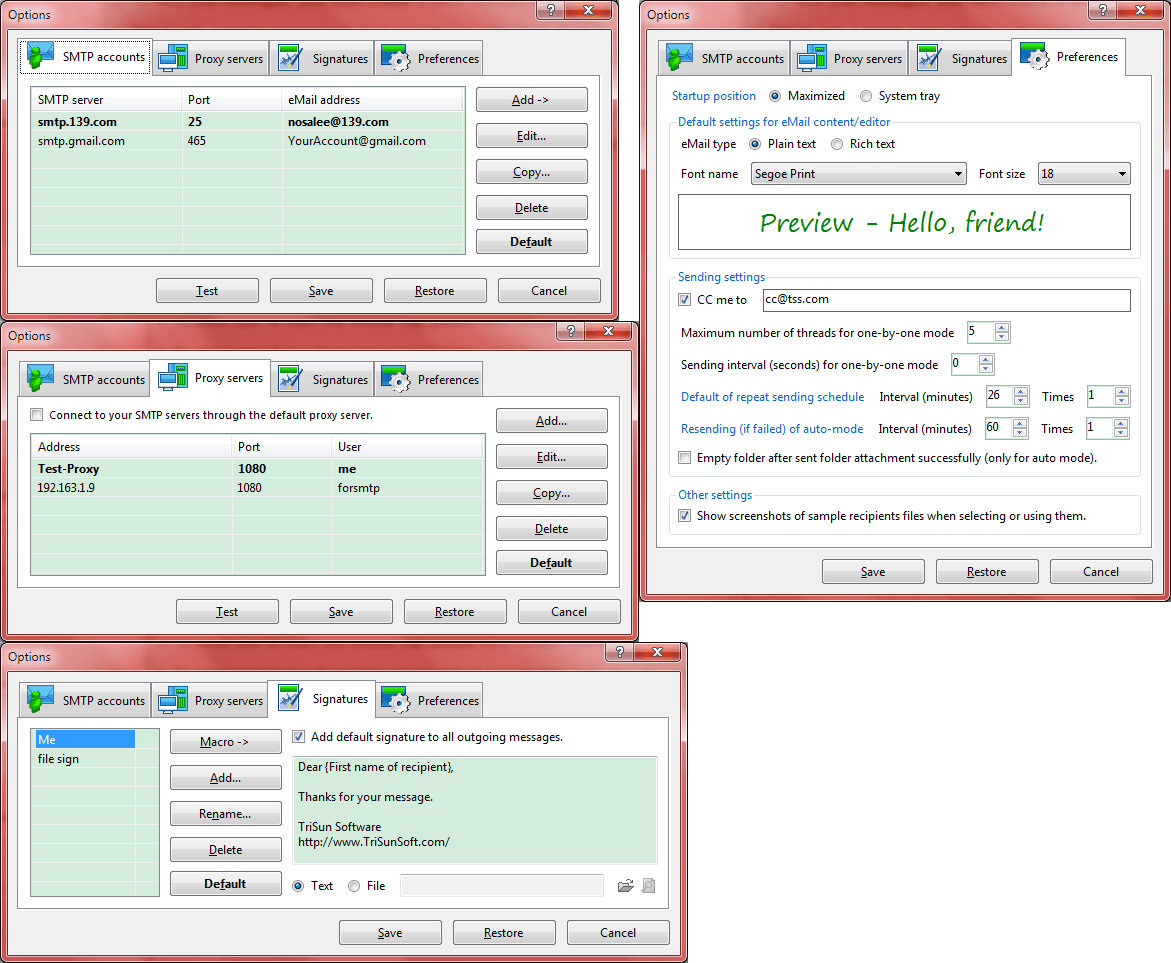
Options Set the options for writing and sending messages. Options interface
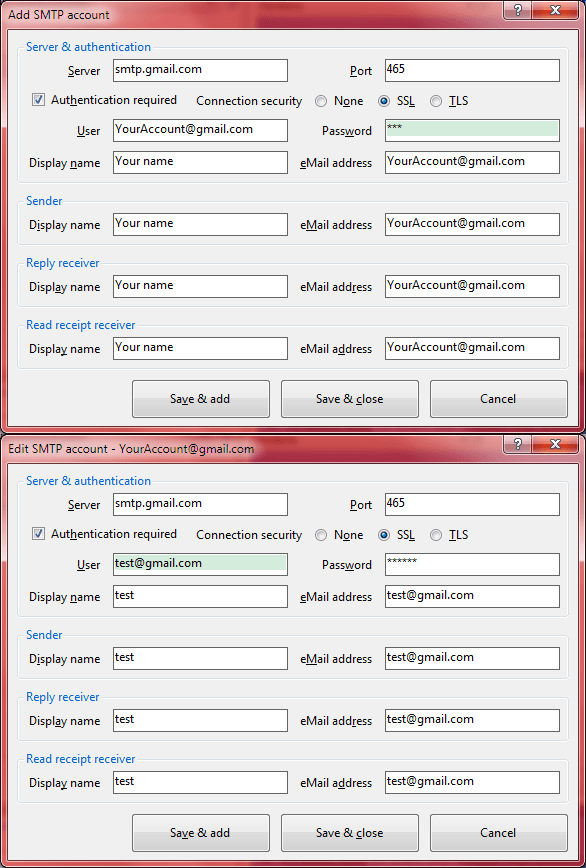
Add SMTP Account/Edit SMTP Account Add or edit a SMTP account. Add SMTP Account/Edit SMTP Account
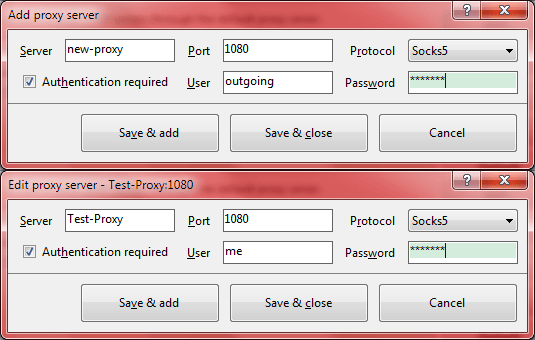
Add Proxy Server/Edit Proxy Server Add or edit a proxy server. Add Proxy Server/Edit Proxy Server
Add Custom Sender/Edit Custom Sender Add or edit a custom sender/reply receiver. Add Custom Sender/Edit Custom Sender
Open Template/Templates Manager Opens a saved template for use or manages your saved email templates. Open Template/Templates Manager
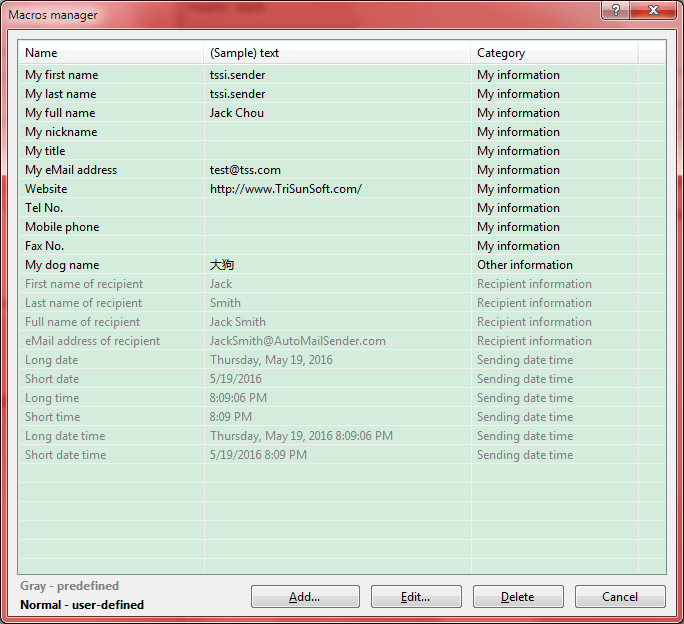
Macros Manager Manages all your macros, you can use macro to make the more universal email templates to reduce your workload. Macros Manager
Add Macro/Edit Macro - {...} Add or edit a macro. Add Macro/Edit Macro - {...}
Export Data Backup the specified AMSSE data to other path (use the non-system drive generally), so as to restore your data for the system failure or data migration circumstances. Export Data
Import Data Restore the specified AMSSE data from the backup path or make the data migration from AMSSE v3.xx. Import Data
Input Prompt Manager Manages the recipients list - the source of the input prompt. Input Prompt Manager
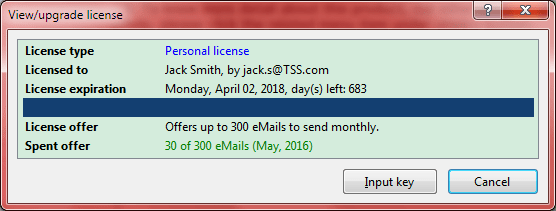
View/Upgrade Your License Views your current license type, license offer, [Licensed to] information, you can also upgrade to the higher license, input license key on this interface. View/Upgrade Your License
Input Your License Key Inputs your license key to change current license type after purchased a higher license. Input Your License Key
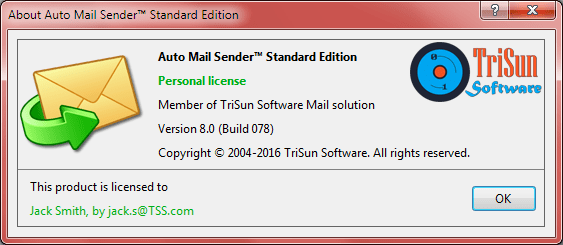
About Auto Mail Sender Standard Edition Displays program information, version number, copyright and license information. About Auto Mail Sender Standard Edition
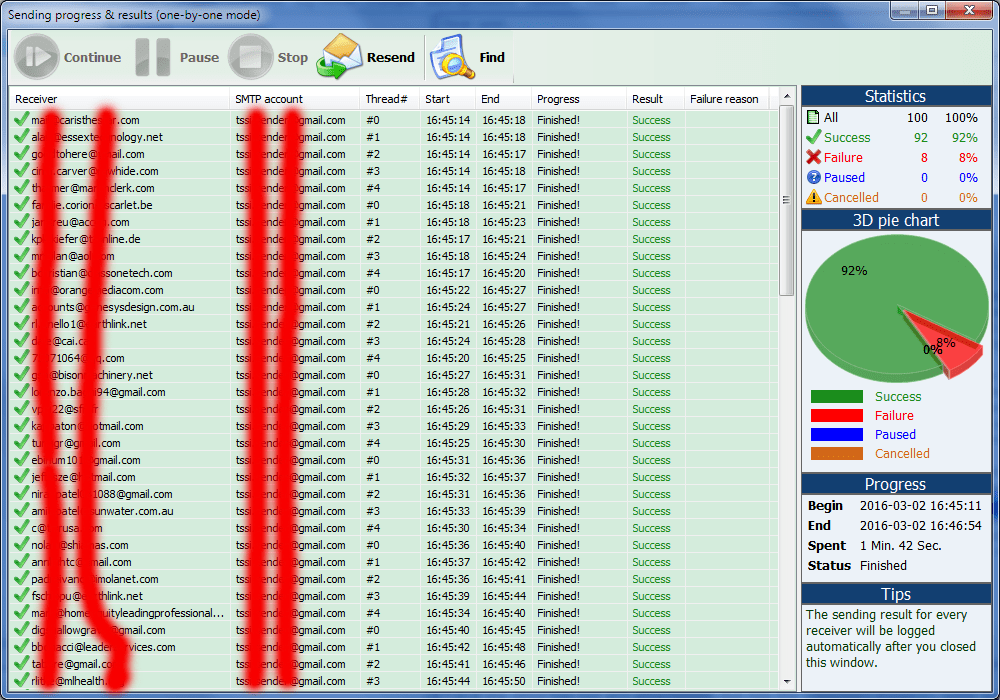
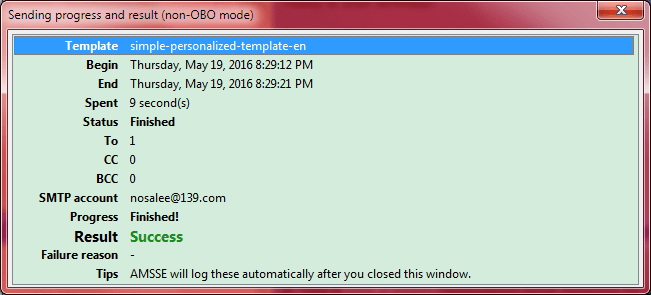
Sending Progress Displays current sending progress for the manual mode. Sending Progress
Splash The splash interface, displays program and copyright information. Splash