Screenshots   

Be pleasant to have seen it first.


Menu Home  Order  Screenshots  Licenses Comparison  Free Greeting Cards  What's New  Operation Steps  Documentation
Please click the thumbnail to see the full screenshot.
You can click here to download the package of compressed screenshots.
Title Introduction Thumbnail
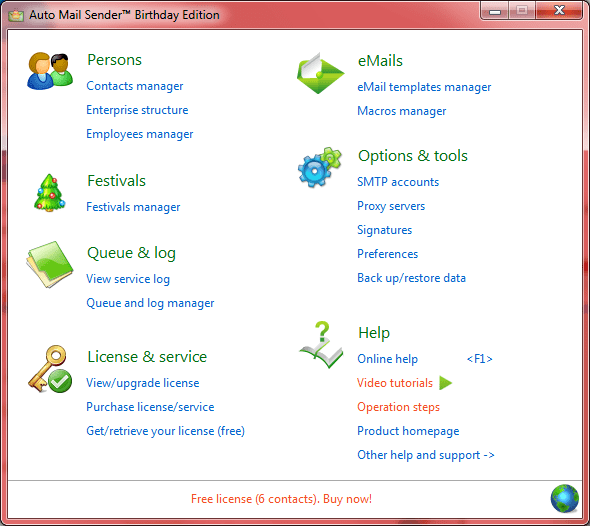
Main It is your main work interface, all other interfaces and functions are called from here. Main
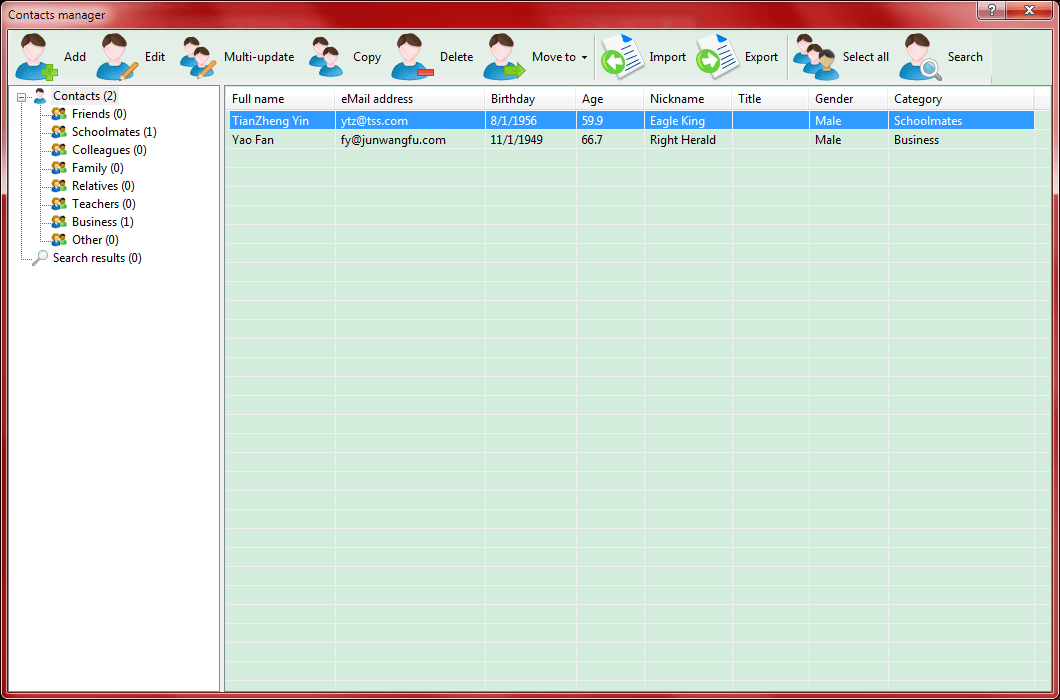
Personal Contacts Manager Manages all your contacts. Personal Contacts Manager
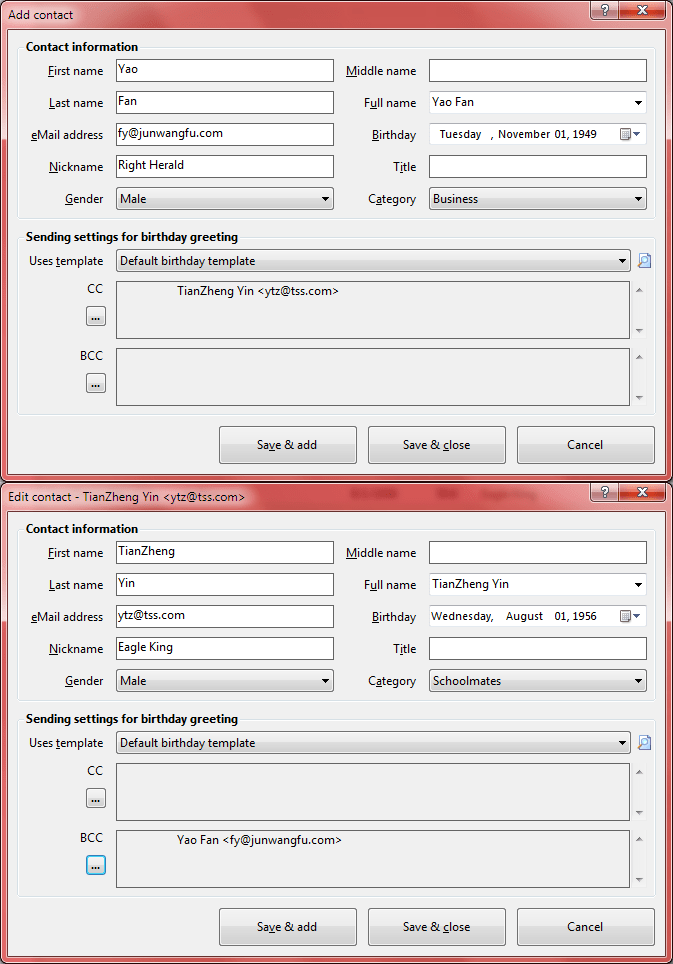
Contact Editor Adds or edits a contact. Contact Editor
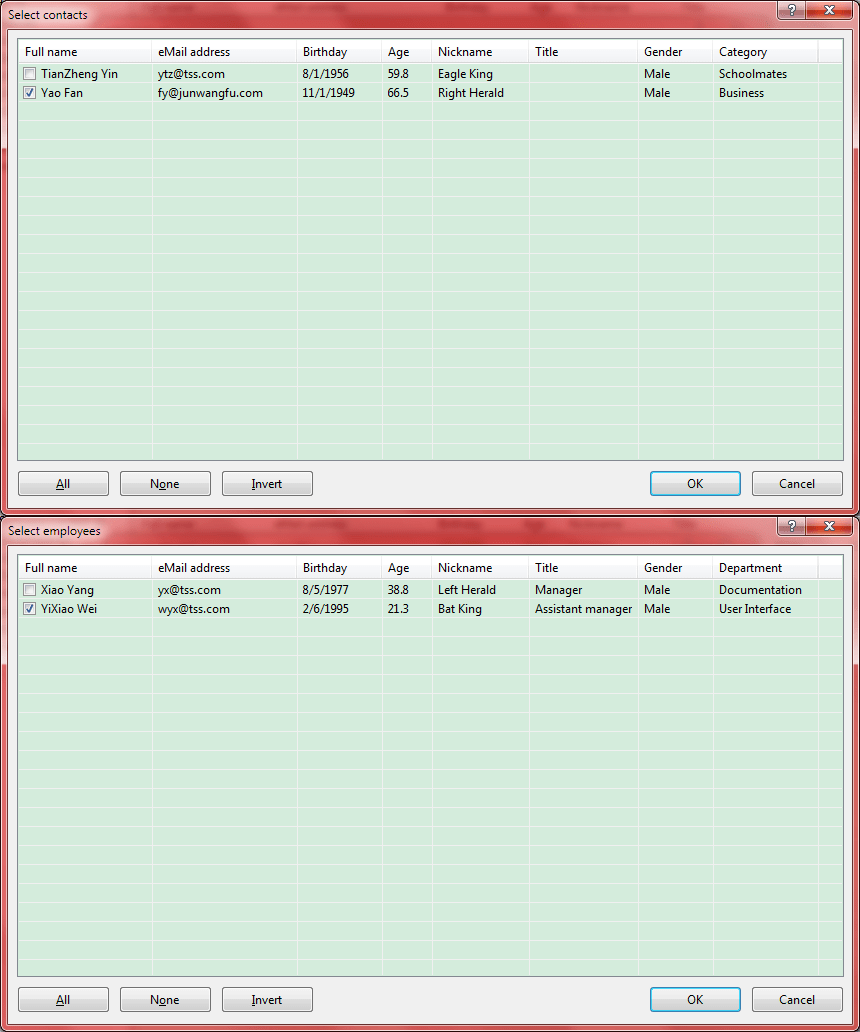
Select Contacts or Employees Selects the contacts or employees for use. Select Contacts or Employees
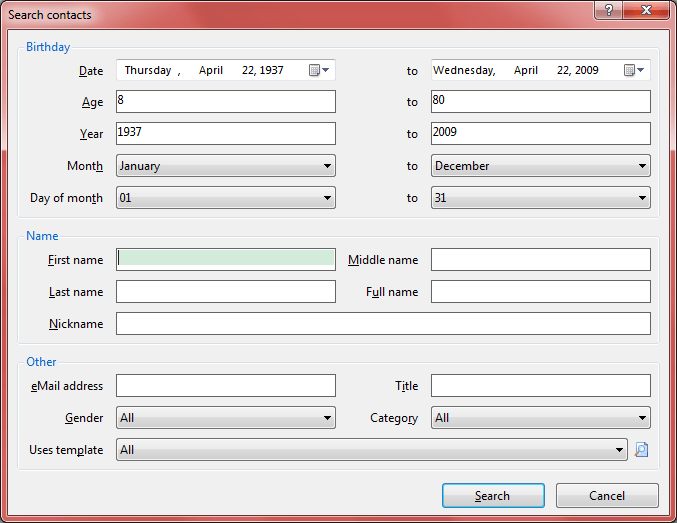
Search Contacts Searches Contacts. Search Contacts
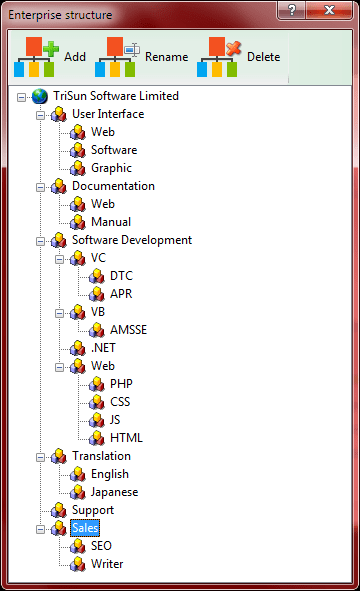
Enterprise Structure Creates and manages your enterprise structure. Enterprise Structure
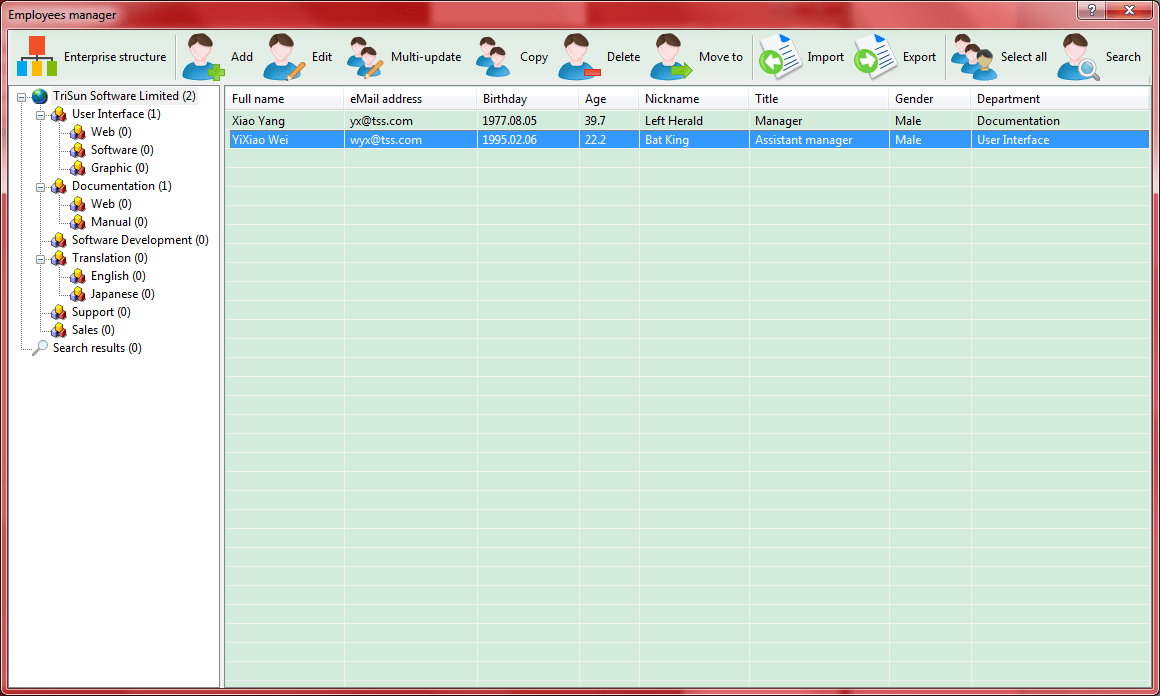
Employees Manager Manages all your employees. Employees Manager
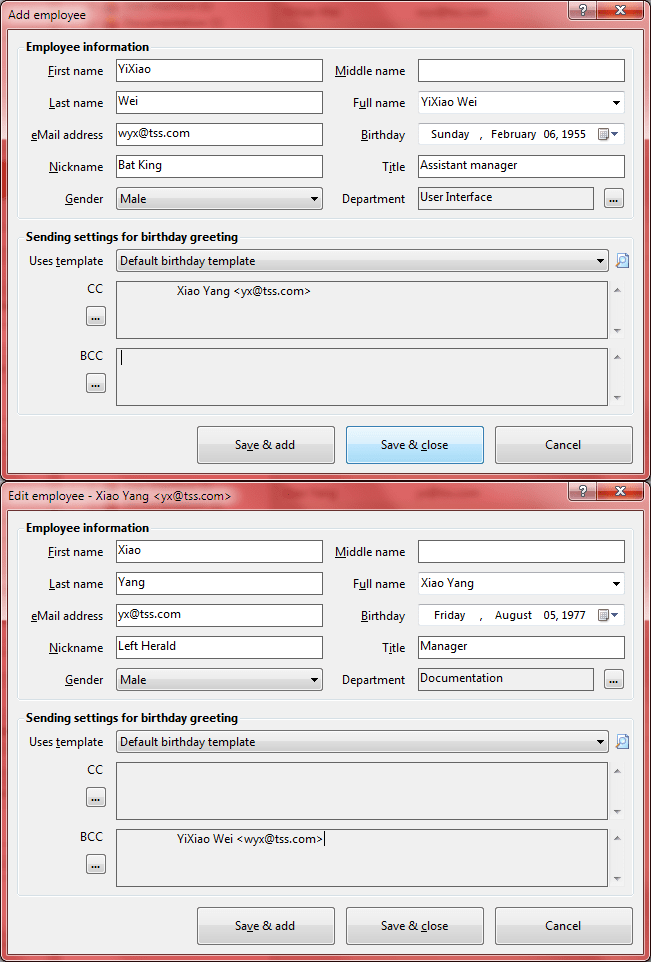
Employee Editor Adds or edits an employee. Employee Editor
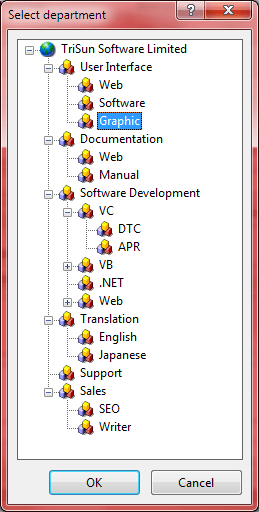
Select Department Selects a department for use. Select Department
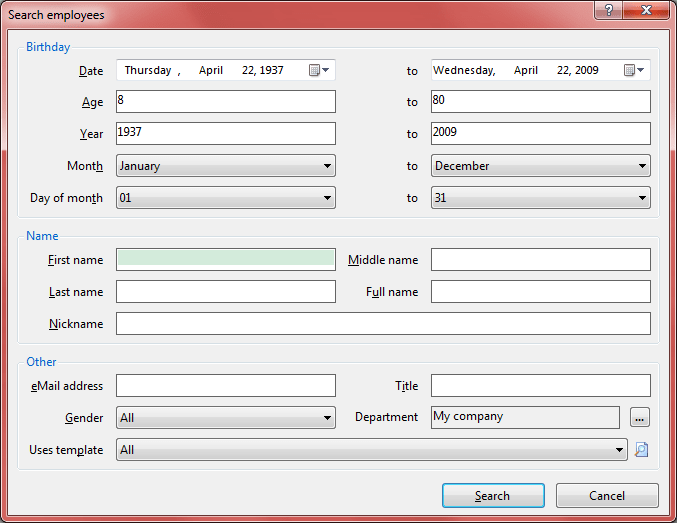
Search Employees Searches employees. Search Employees
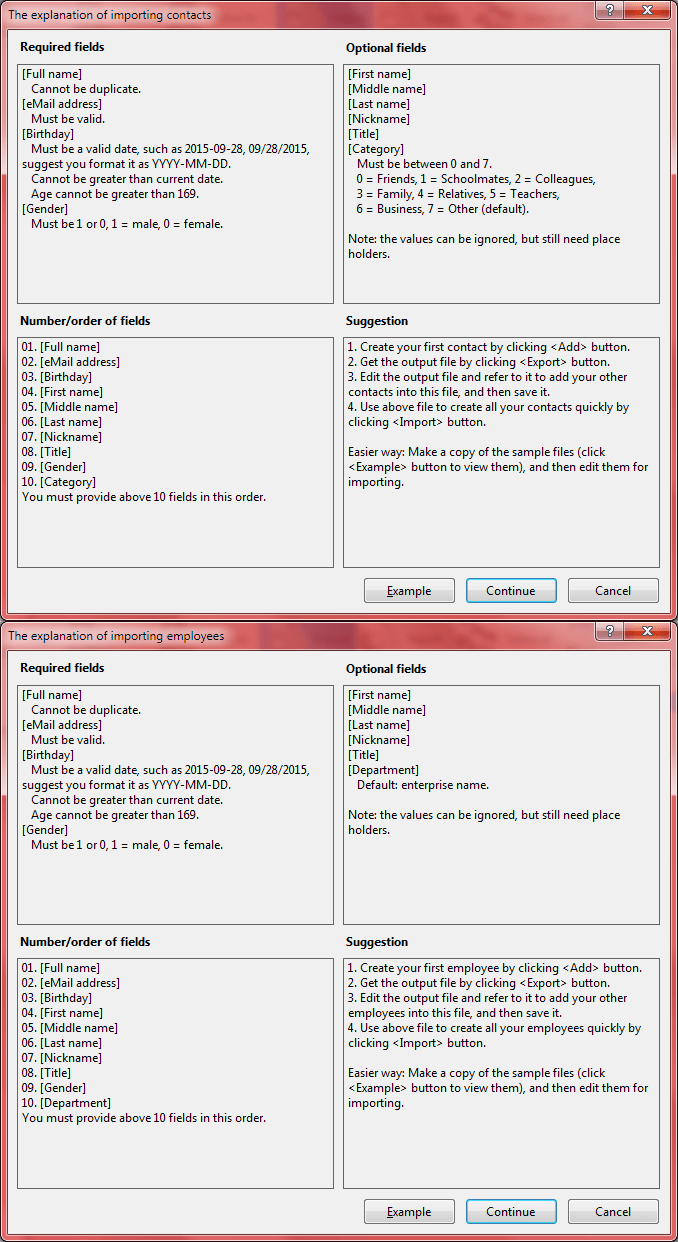
Import Explanation Displays the explanation of importing employees/contacts, also provides the example files for the common file types. Import Explanation
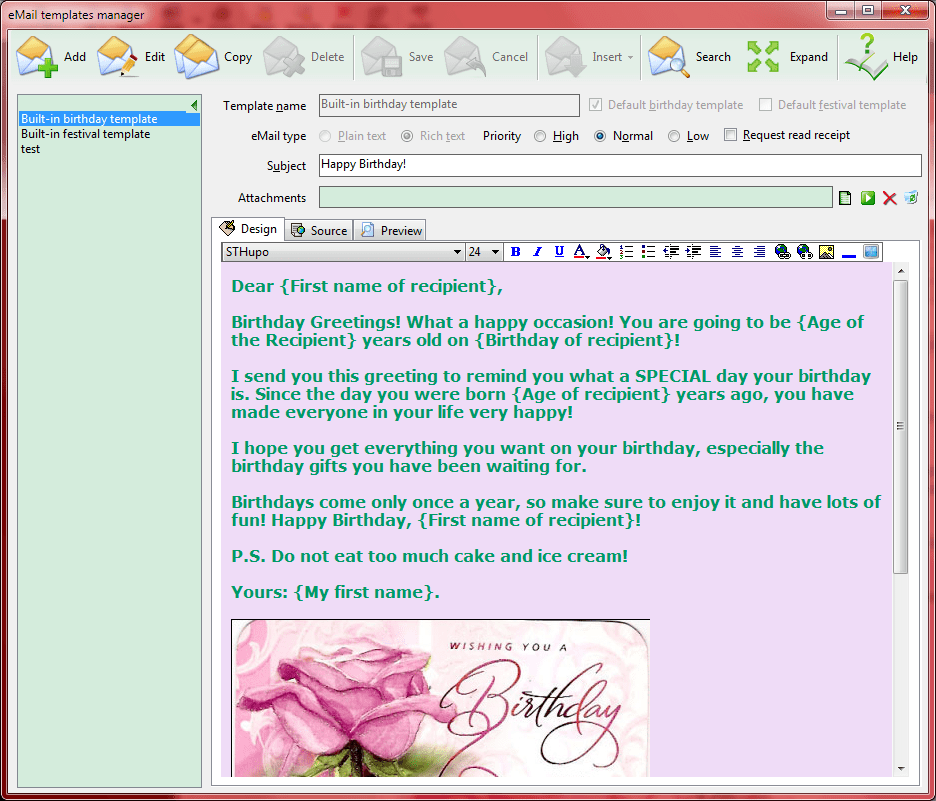
Email Templates Manager Manages all your email templates. Email Templates Manager
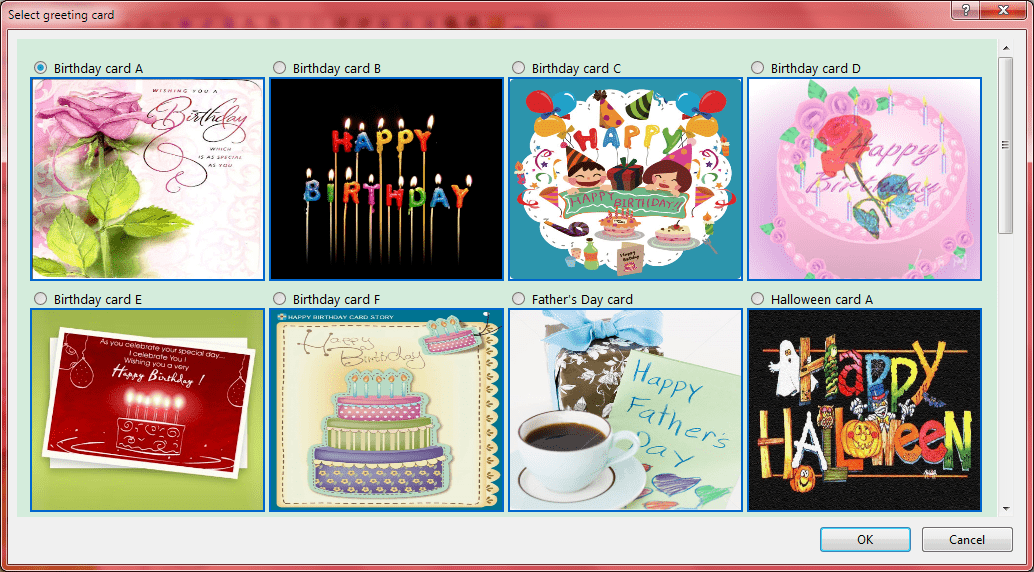
Select Greeting Card Selects a built-in greeting card to insert into current email template. Select Greeting Card
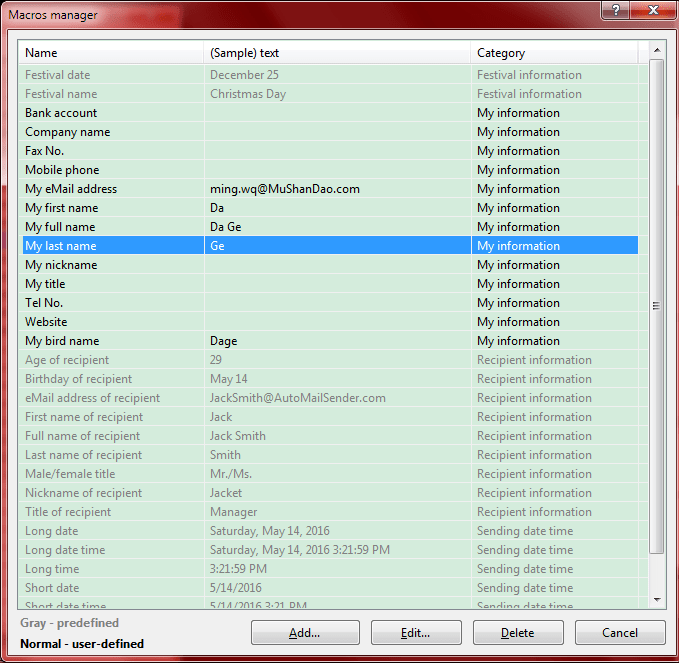
Macros Manager Manages all your macros, you can use macro to make the more universal email templates to reduce your workload. Macros Manager
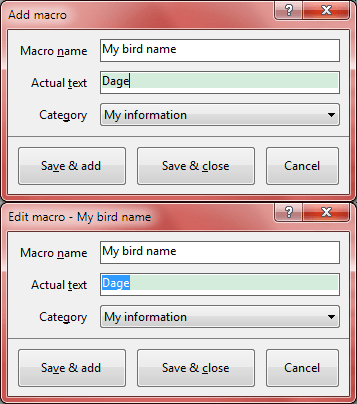
Macro Editor Adds or edits a macro. Macro Editor
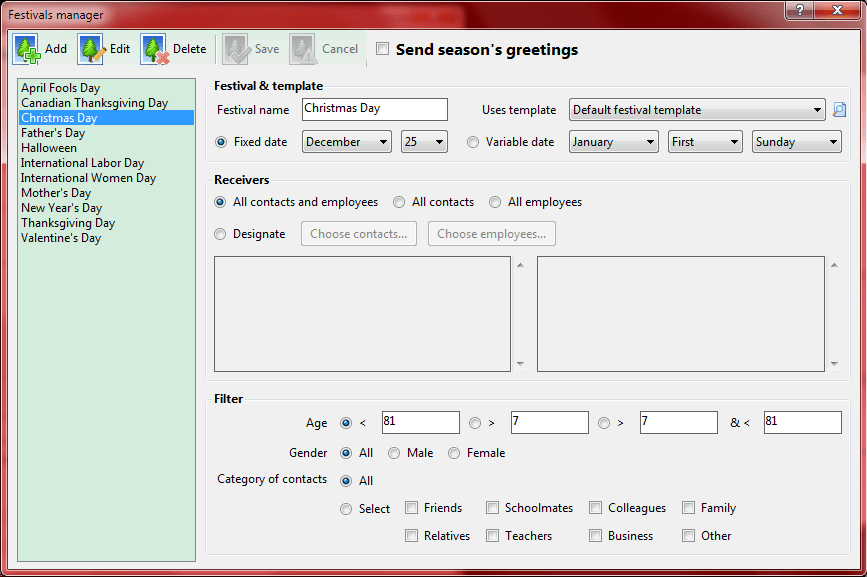
Festivals Manager Manages all your festivals. Festivals Manager
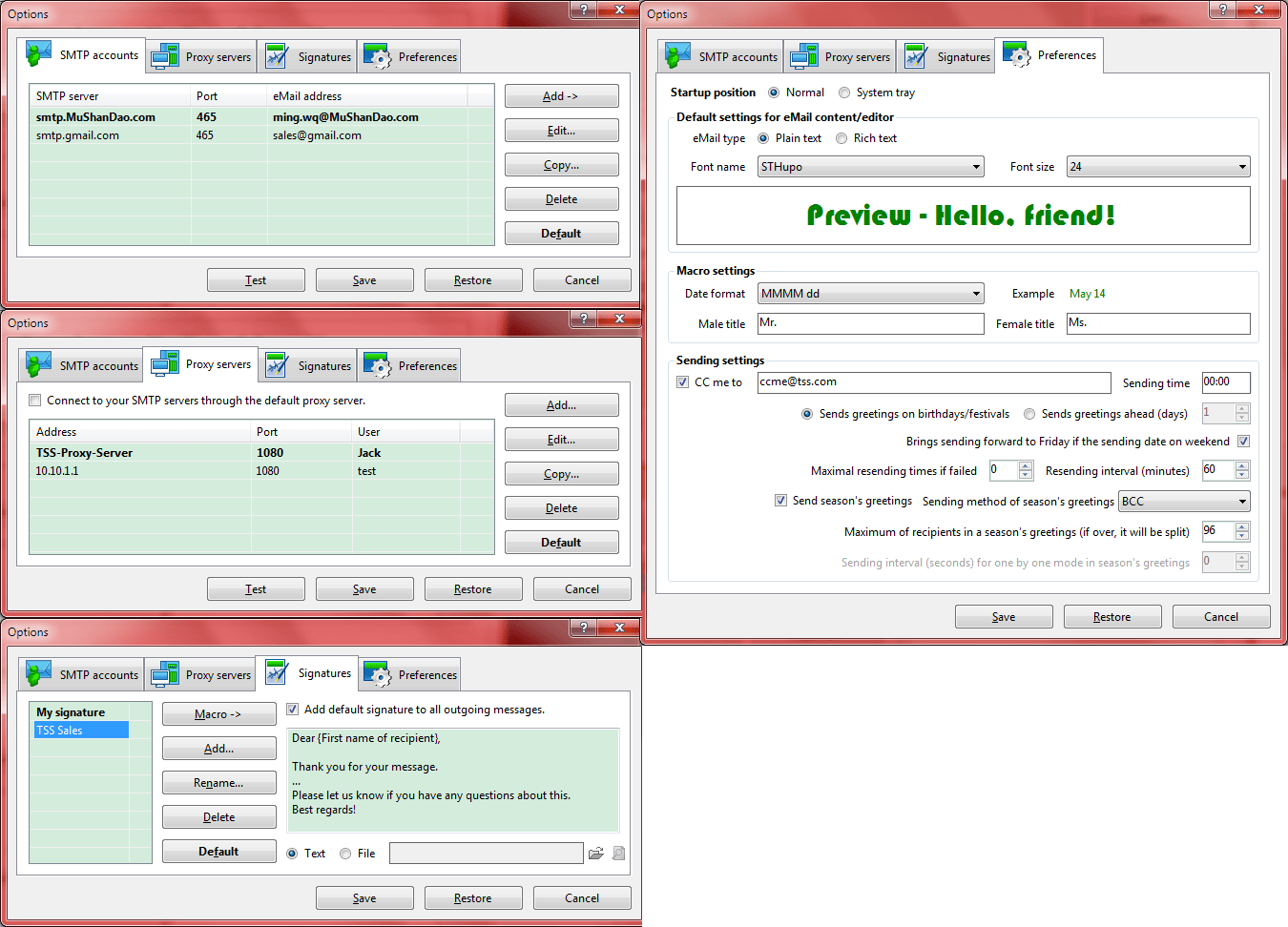
Options Set your SMTP accounts, proxy servers, signatures and other preferences for using AMSBE, writing messages and sending greetings. Options
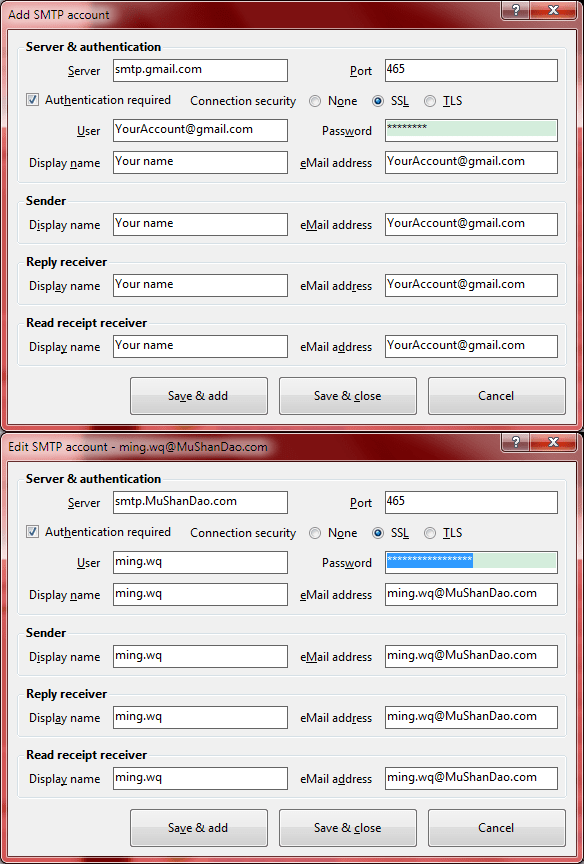
SMTP Account Editor Adds or edits a SMTP account. SMTP Account Editor
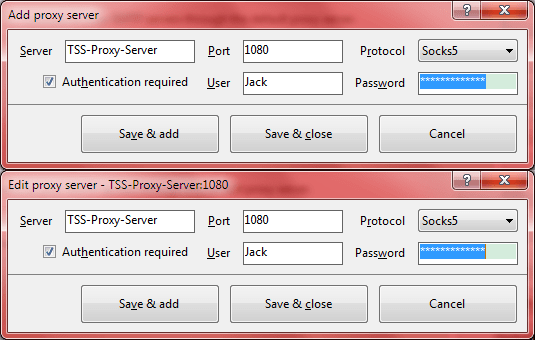
Proxy Server Editor Adds or edits a proxy server. Proxy Server Editor
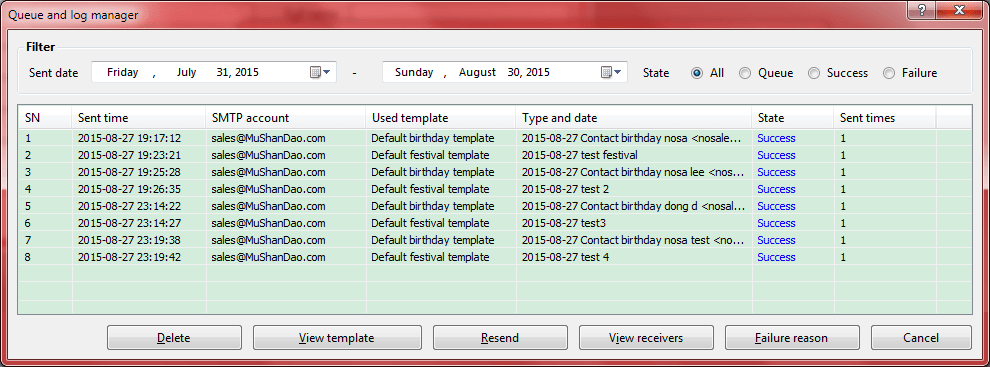
Queue and Log Manager Manages emailing queue and log. Queue and Log Manager
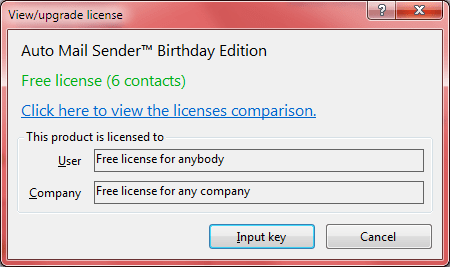
View/Upgrade License Views your current license type, [Licensed to] information, you can also input license key to upgrade to the higher license on this interface. View/Upgrade License
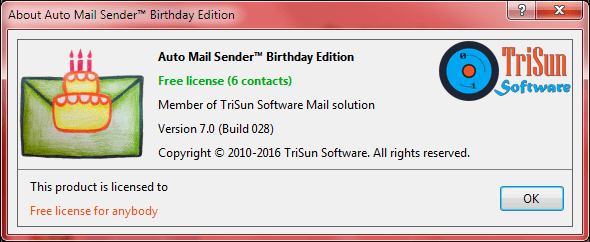
About Auto Mail Sender Birthday Edition Displays program information, version number, copyright and license information. About Auto Mail Sender Birthday Edition
Splash The splash interface, displays program name, edition, copyright, website and other information. Splash