Screenshots   

Be pleasant to have seen it first.


Please click the thumbnail to see the full screenshot.
You can click here to download the package of compressed screenshots.
Title Introduction Thumbnail
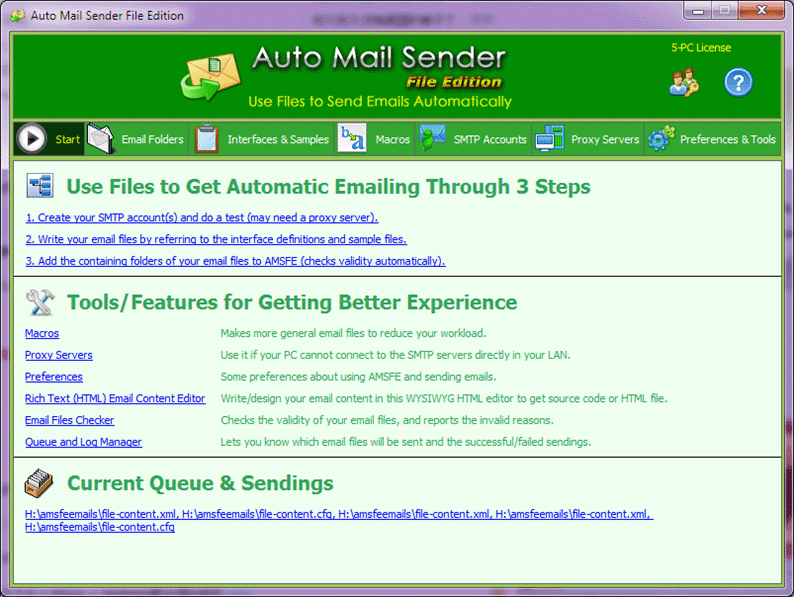
Start The first tab page you will see after AMSFE started. Start
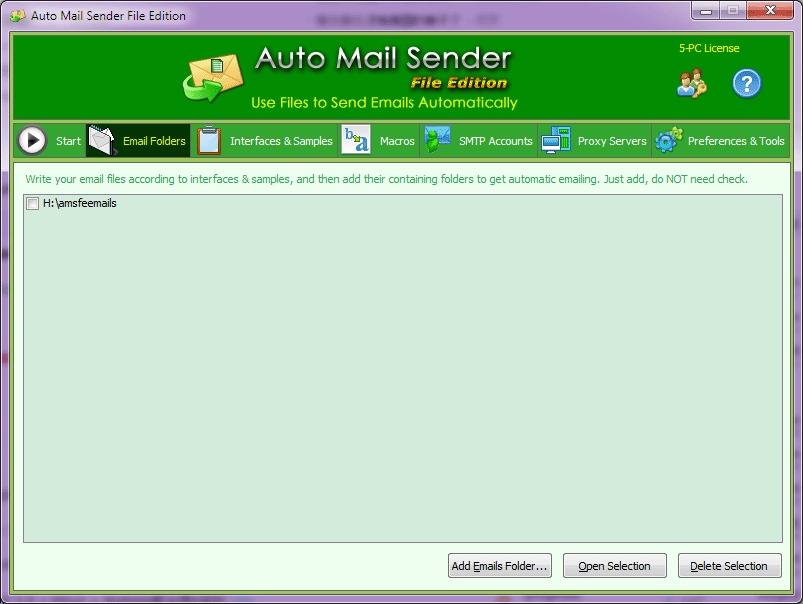
Email Folders Manages all your email folders. AMSFE will read emails from the supported files under these folders to make automatic emailing. Email Folders
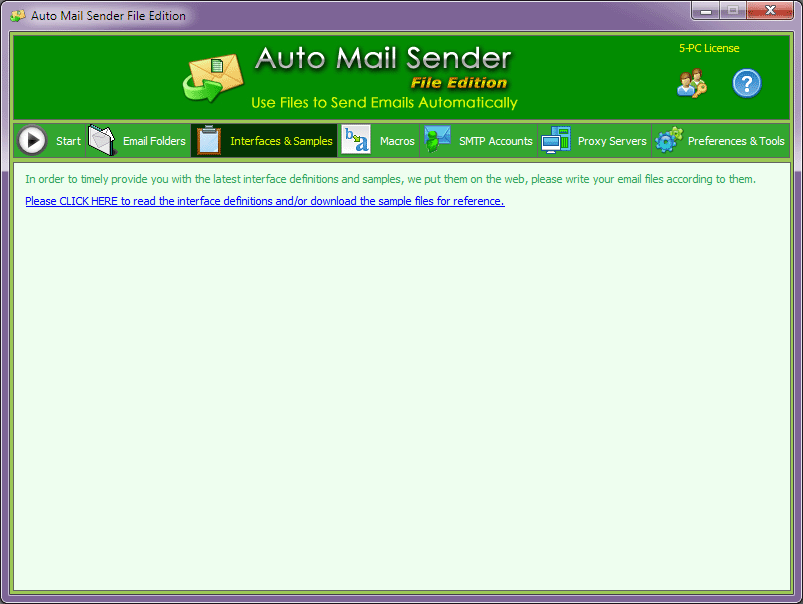
Interfaces & Samples In order to timely provide you with the latest interface definitions and samples, we put them on the web, please write your email files according to them. Interfaces & Samples
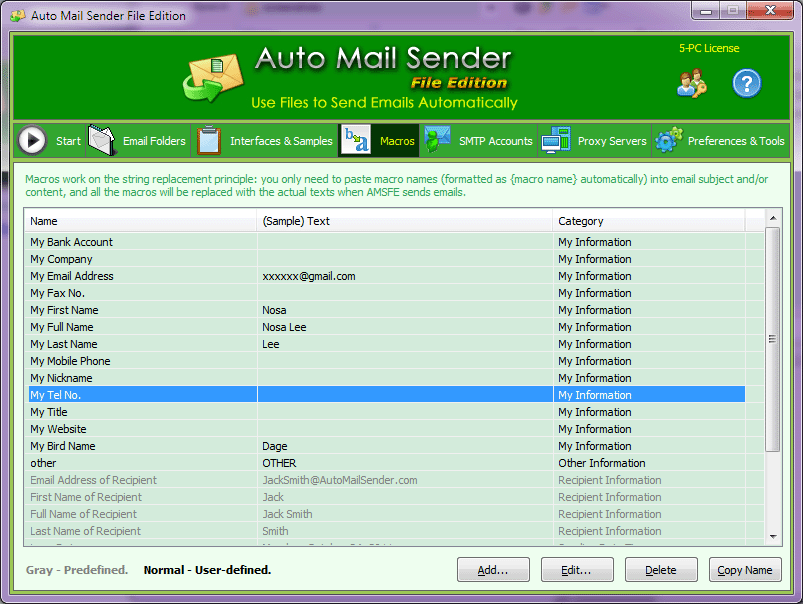
Macros Manages all your macros, you can use macro to make the more universal email file to reduce your workload. Macros
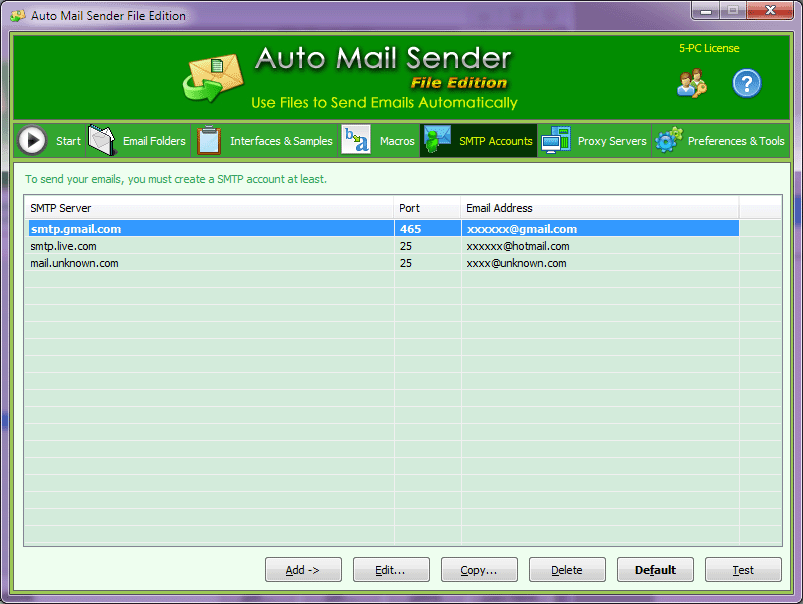
SMTP Accounts Manages your SMTP accounts, to send your emails, you must create a SMTP account at least. SMTP Accounts
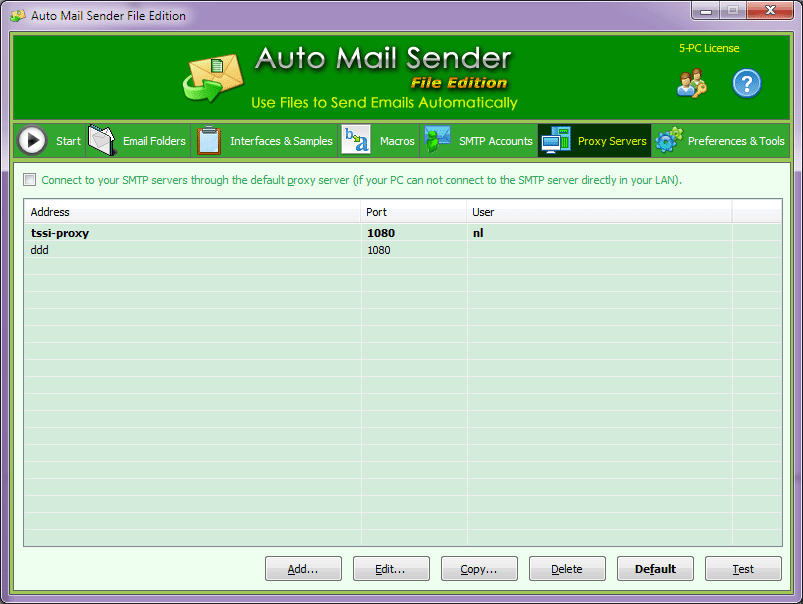
Proxy Servers Manages your proxy servers, if your computer can not connect to the SMTP server directly in your LAN, you can use the bold proxy server to connect to the SMTP server. Proxy Servers
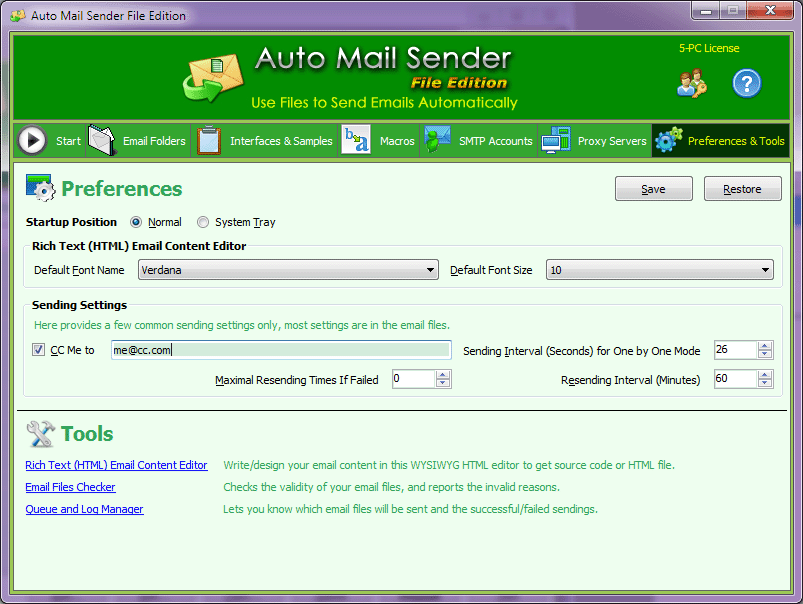
Preferences & Tools Sets your preferences for using AMSFE, writing email content and sending emails, this tab page also contains several tools (links). Preferences & Tools
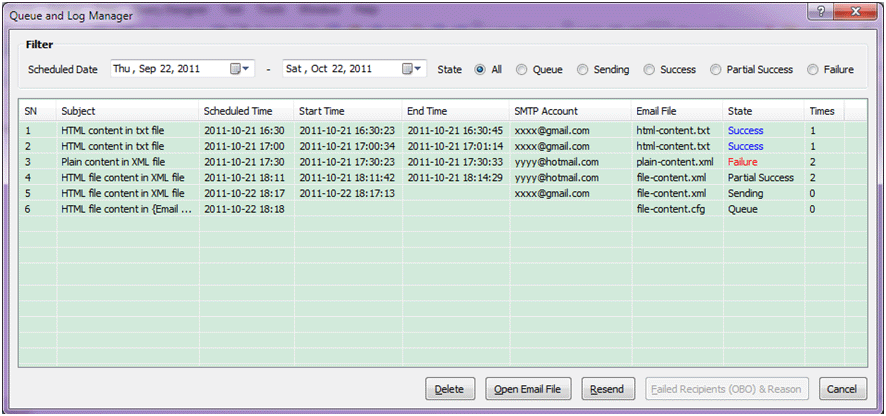
Queue and Log Manager Lets you know which email files will be sent and the successful/failed sendings. Queue and Log Manager
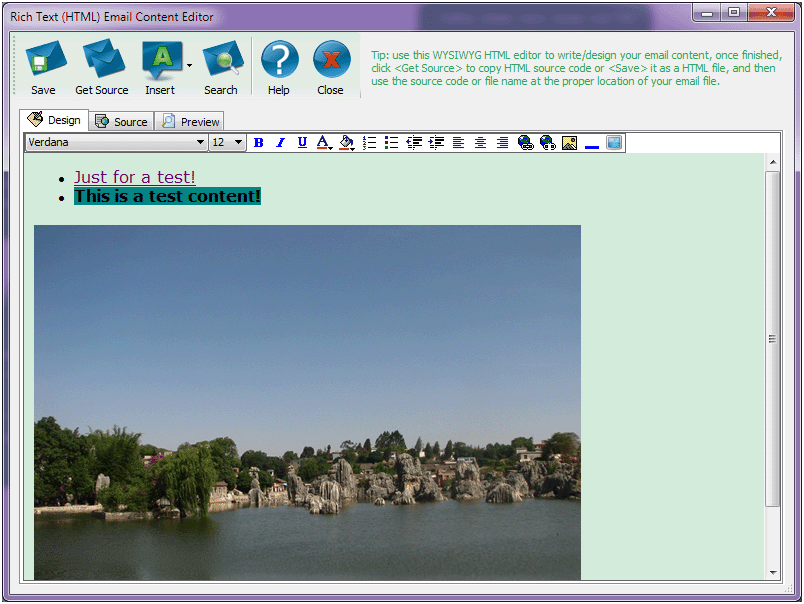
Rich Text (HTML) Email Content Editor Use this WYSIWYG HTML editor to write/design your email content, once finished, click <Get Source> to copy HTML source code or <Save> it as a HTML file, and then use the source code or file name at the proper location of your email file. Rich Text (HTML) Email Content Editor
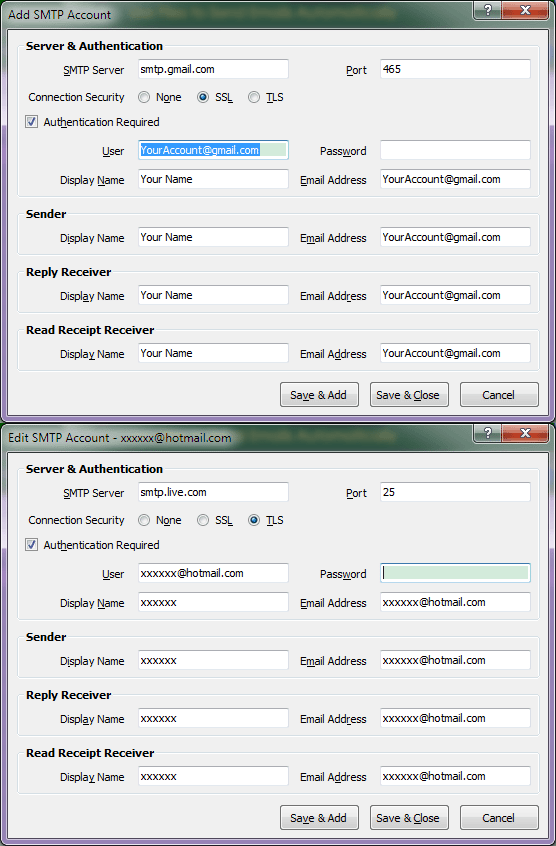
SMTP Account Editor Adds or edits a SMTP account. SMTP Account Editor
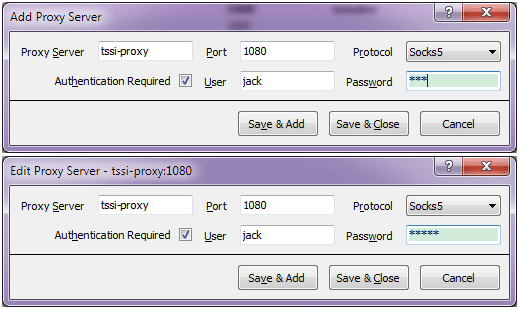
Proxy Server Editor Adds or edits a proxy server. Proxy Server Editor
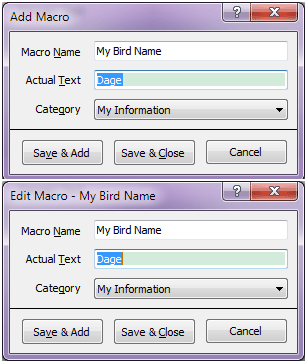
Macro Editor Adds or edits a macro. Macro Editor
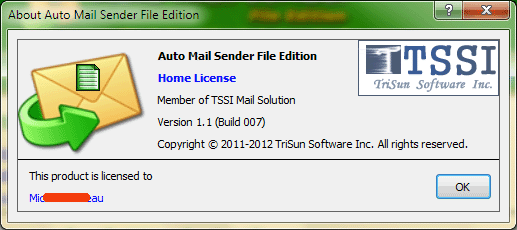
About Auto Mail Sender File Edition Displays program information, version number, copyright and license information. About Auto Mail Sender File Edition
Splash The splash interface, displays program name, introduction, copyright, website and other information. Splash